Paying less for flights: price tracking, flexible dates and the total fare
Airfares move constantly. Free tools can tell you whether today's price is good and alert you when it drops, so you stop guessing.
This article may contain affiliate links. If you buy through them, we may earn a commission at no extra cost to you. How this works
Flight prices change many times before departure, which makes it hard to know whether to book now or wait. Fare search tools such as Google Flights now show context that used to require hours of manual checking.
1. Check whether the price is actually low
Google Flights labels the current fare for a route as low, typical or high compared with past prices for the same trip. That single indicator tells you whether waiting is likely to help.
2. Turn on price tracking
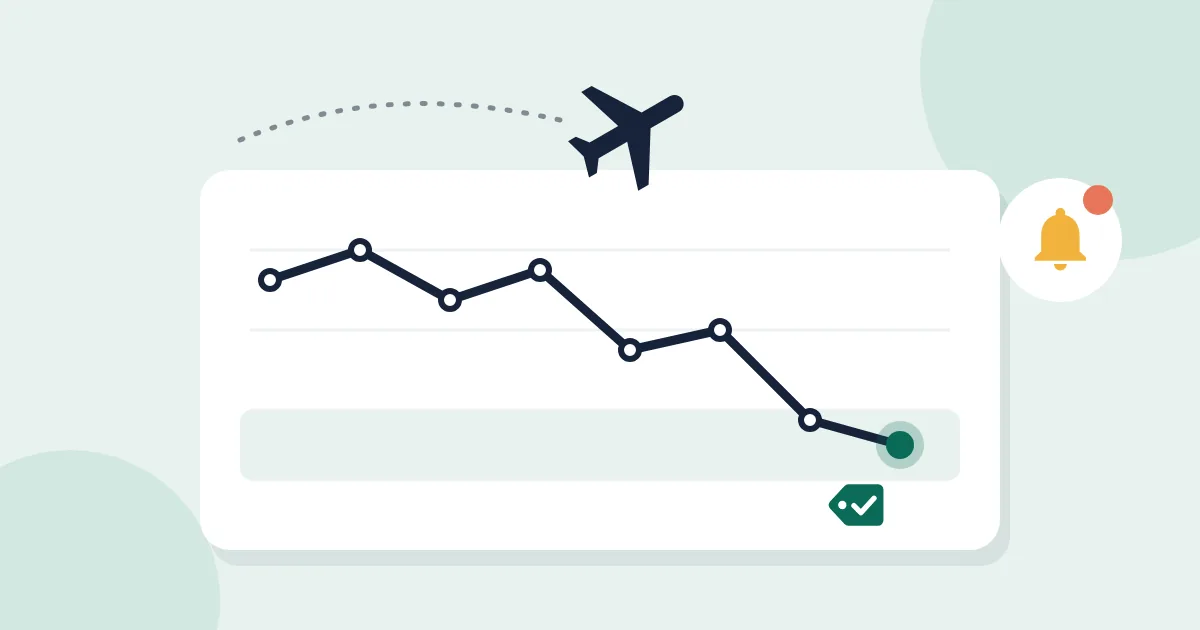
If you decide to wait, switch on tracking and you will be notified when the fare drops significantly. You can track fixed dates, or, if your plans are flexible, choose the "any dates" option to receive deal alerts for the following three to six months.
3. Let flexibility work for you
- The date grid and price graph show fares across a range of days, often revealing that moving by one or two days saves a meaningful amount.
- The Explore map shows prices to many destinations at once, which is useful when the place matters less than the price.
- Searching one-way fares separately, sometimes on different airlines, can beat a return ticket.
4. Compare the total, not the headline
A basic economy fare can look cheapest until checked bags and seat selection are added. Compare the final cost of the trip you actually want. Fares shown in search results can also change when you click through, so confirm before you commit.
5. Consider booking direct
Google Flights is a search tool, not an airline. If the airline's own site is the same price or only slightly more, booking directly usually makes changes and refunds easier to handle.